Visual direction tests
Turn a short art direction brief into several compositions before committing to a production path.
See luma labs examplesCapability guide
Luma AI Image is best understood as a focused visual entry point rather than a replacement for the broader creative workspace. It is useful when the brief begins with a still frame, a visual reference, or a tightly described composition.
The distinction matters. The general route is built for moving between ideas, scenes, and outputs, while this image route keeps attention on a single visual result. That makes it easier to test direction quickly, compare variations, and decide whether an image deserves a place in a larger sequence.
| Attribute | Image route | General route |
|---|---|---|
| Primary output | Still visual | Mixed creative outputs |
| Best starting point | Prompt or reference | Open-ended project brief |
| Iteration style | Fast visual variants | Broader workflow changes |
| Motion planning | Not the focus | Available in context |
| Scene continuity | Limited by a single frame | Better suited to sequences |
| Ideal user | Designer, concept artist, art director | Creator managing several media types |
01 / What stands apart
Turn a short art direction brief into several compositions before committing to a production path.
See luma labs examplesUse an existing visual as a starting signal for mood, framing, material, or lighting instead of describing every detail from zero.
Explore luma ai interactive scenesConcentrate on the details that make a still image convincing: lens feel, surface texture, color relationships, and subject placement.
Learn how to use luma labsCreate a coherent set of visual directions for pitches, campaigns, environments, or early-stage product thinking.
Try prompt examples for visual concepts02 / A practical beginning
Start with one visual decision, not a paragraph of disconnected adjectives. Name the subject, describe the setting, choose a camera or composition cue, and finish with the atmosphere you want to preserve.
Describe who or what is visible, where it sits in the frame, and what the viewer should notice first.
Add lighting, lens feel, color, materials, and period references only after the main composition is clear.
Keep the strongest direction, then change one variable at a time so you can tell what improved the result.
03 / Visual checkpoint
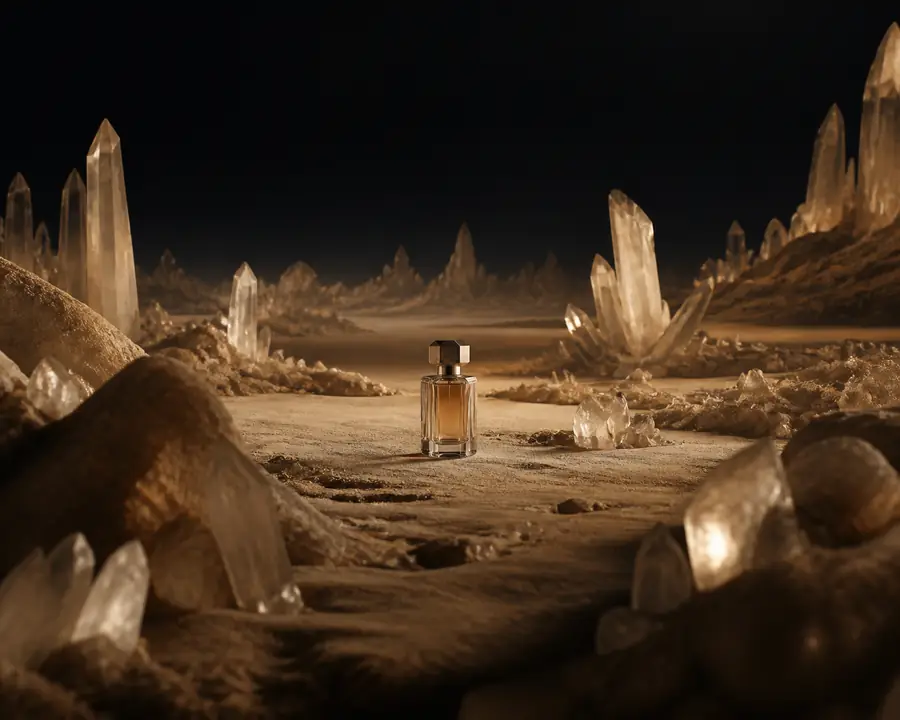
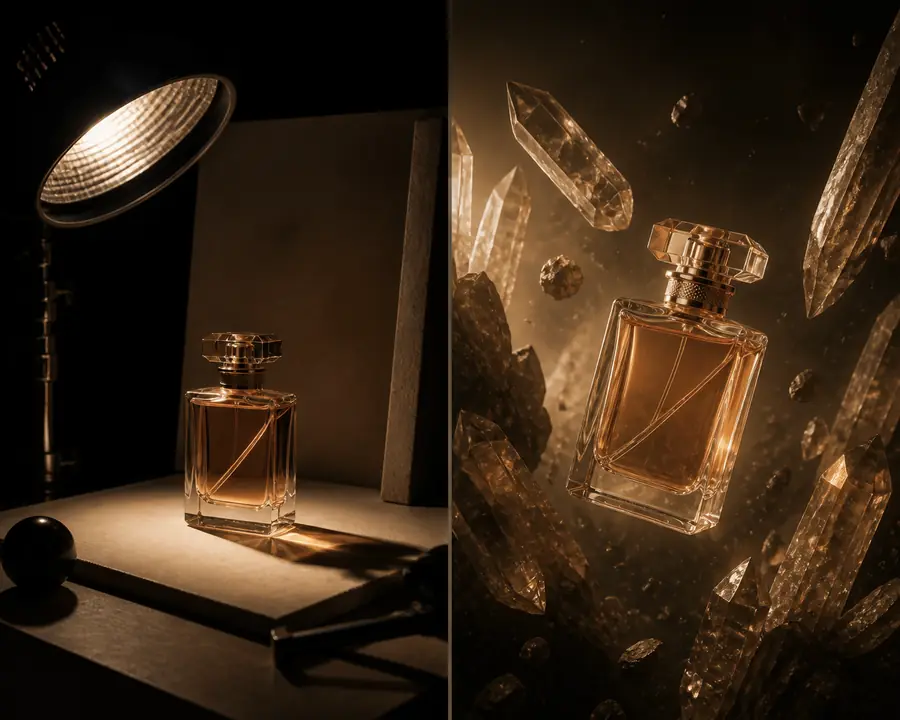
A useful refinement keeps the subject, framing, and intended mood aligned while removing competing details. The goal is not simply a more elaborate image; it is a clearer visual decision.
04 / Know the edges
A strong still frame cannot prove that a subject, camera, or environment will behave consistently over time.
Workaround: use the image as a keyframe or visual brief before moving into a video workflow.
Labels, logos, signage, and small typography may be inconsistent or require manual correction.
Workaround: reserve final lettering for a design or editing pass.
Faces, hands, products, and repeated characters can change between variations even when the prompt is similar.
Workaround: compare outputs closely and keep a reference-led process for important subjects.
The route can suggest depth and atmosphere, but it does not automatically provide a navigable or interactive environment.
Workaround: consider interactive scene creation when spatial exploration is the real goal.
05 / Quick comparison
| Question | Image-first workflow | Broader workflow |
|---|---|---|
| Need a single key visual? | Strong fit | Possible, less focused |
| Need several art directions? | Fast to test | Works across formats |
| Need consistent movement? | Not by itself | Use a motion-capable route |
| Need a navigable space? | No | Choose an interactive workflow |
| Need final production typography? | Add a finishing pass | Still review manually |
| Best next step | Select and refine a frame | Build the larger project |
06 / Continue exploring
It is best for exploring still-image concepts, visual references, compositions, atmospheres, and early art direction before a larger production decision.
No. The image route narrows the task around a single visual output, while the general route is better when the brief involves motion, sequences, or multiple creative stages.
Lead with the subject and composition, then add lighting, materials, camera language, and mood. Specific visual relationships usually help more than a long list of styles.
It can serve as a useful starting reference or keyframe, but continuity, motion, and timing still need to be handled in a workflow designed for video.