- Choose it when
- You need rapid concept frames, mood films, visual references, short clips, or several directions to discuss with a team.
Definition / AI video
What is Luma Labs and how does it work?
Luma Labs is an artificial intelligence company and creative platform focused on generating and understanding visual media. In practical terms, Luma Labs helps people turn written ideas, reference images, and existing footage into short-form video concepts, scenes, and polished visual experiments without starting every project with a camera, crew, or complex editing workflow.
A one-line definition
Luma Labs is a visual creation system that uses generative AI to help users imagine, direct, and refine moving images. It is best understood as a creative partner for exploration rather than a replacement for every part of production. You provide the intent; the model proposes a visual result that can be reviewed, redirected, and developed.
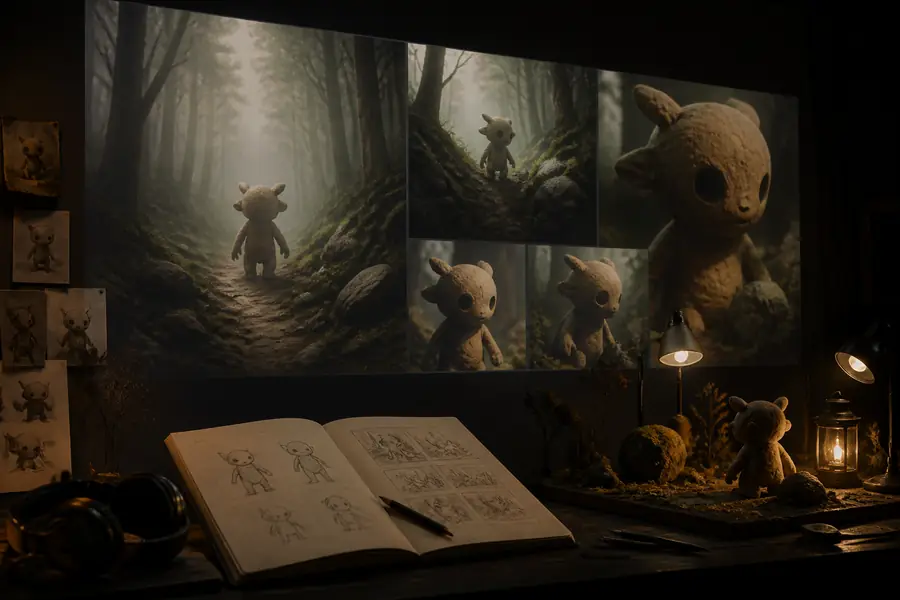
The platform is designed for fast visual iteration: describe a mood, action, camera movement, or setting, then compare the result with the original idea and decide what deserves another pass.
-
Describe the idea
Start with a prompt that names the subject, setting, action, mood, and visual direction you want to explore.
-
Generate a scene
The model interprets those signals and produces a visual clip or concept that turns abstract language into motion, composition, and atmosphere.
-
Guide the next pass
Review the output, adjust the prompt or reference material, and continue iterating until the direction is useful for your project.
02 / Process
How it works
The simplest Luma Labs workflow is conversational. A prompt acts like a compact creative brief, while an image or video reference can give the system more information about composition, subject identity, texture, or movement. The first result is not always the final answer; it is a starting point that makes visual decisions easier to see.
That makes Luma Labs especially useful during the earliest stages of a project. A filmmaker can test a shot idea before organizing a shoot. A designer can explore motion and atmosphere before building a finished sequence. A teacher can illustrate an otherwise difficult concept. If you are researching the company itself, the page on Luma Labs ownership and leadership adds useful background, while the broader company history helps separate the product from the people behind it.
03 / Boundaries
What Luma Labs can and cannot do
Generative video is powerful because it compresses the distance between an idea and a visible draft. It is also probabilistic, so results can vary. The most useful way to evaluate Luma Labs is to match the tool to the decision you need to make.
- Choose a conventional workflow when
- You need exact product details, repeatable actors, locked continuity, legal certainty, or frame-accurate control across a long production.
- Expect iteration when
- The scene contains complex interactions, precise text, hands, unusual physics, or a very specific sequence of actions.
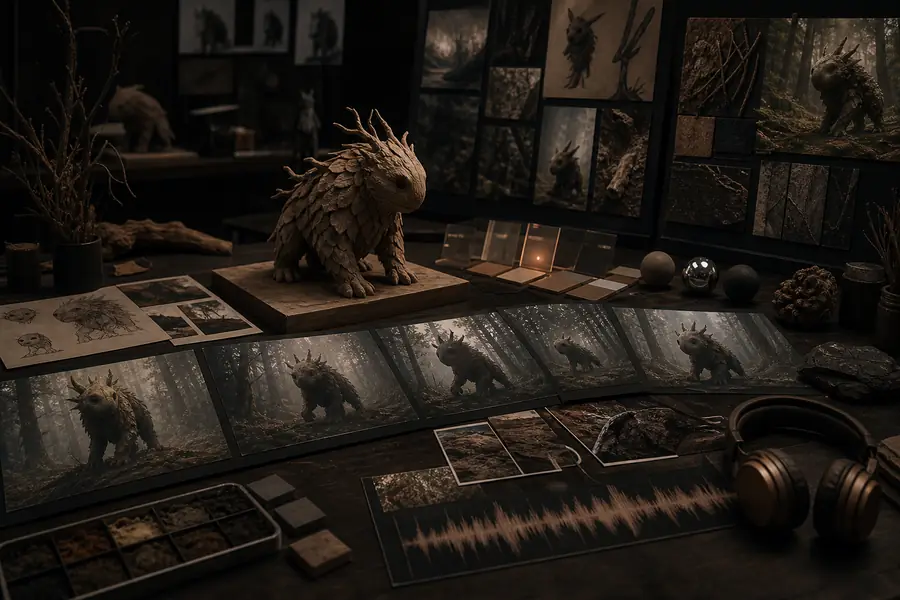
Luma Labs can accelerate visual exploration, but human review still matters. Treat generated footage as material to direct, select, edit, and verify rather than as an automatic guarantee of accuracy.
04 / Audience
Who uses it
Luma Labs appeals to people who think visually and need a faster way to test possibilities. Its audience includes independent filmmakers, creative directors, designers, marketers, educators, researchers, and curious beginners. The common thread is not a specific job title; it is the need to move from a mental picture to something others can see and react to.
3
common starting points: text, images, and video references
1
creative brief can become a first visual direction
0
physical sets required for an initial concept pass
∞
room for testing alternate moods, shots, and stories
05 / Questions
Luma Labs FAQ
What is Luma Labs AI?
Luma Labs AI refers to the company and its generative tools for creating and working with visual media. The platform is best known for helping users explore AI-generated video and cinematic scenes from natural-language direction and visual references.
Is Luma Labs an AI video generator?
Yes, video generation is a central part of its creative offering. It can also be thought of as a broader visual ideation system because users may begin with text, images, or footage and use the results for storyboarding, exploration, and editing decisions.
What should a beginner know first?
Begin with a clear subject and action, add one or two visual qualities, and expect to refine the result. Short, specific direction is often easier to evaluate than a paragraph containing many competing ideas.
- A clear subject, action, and setting for the first prompt
- A reference image or clip when composition or appearance matters
- A review step for continuity, realism, text, and factual accuracy
- A shot list or mood board to keep several generations aligned